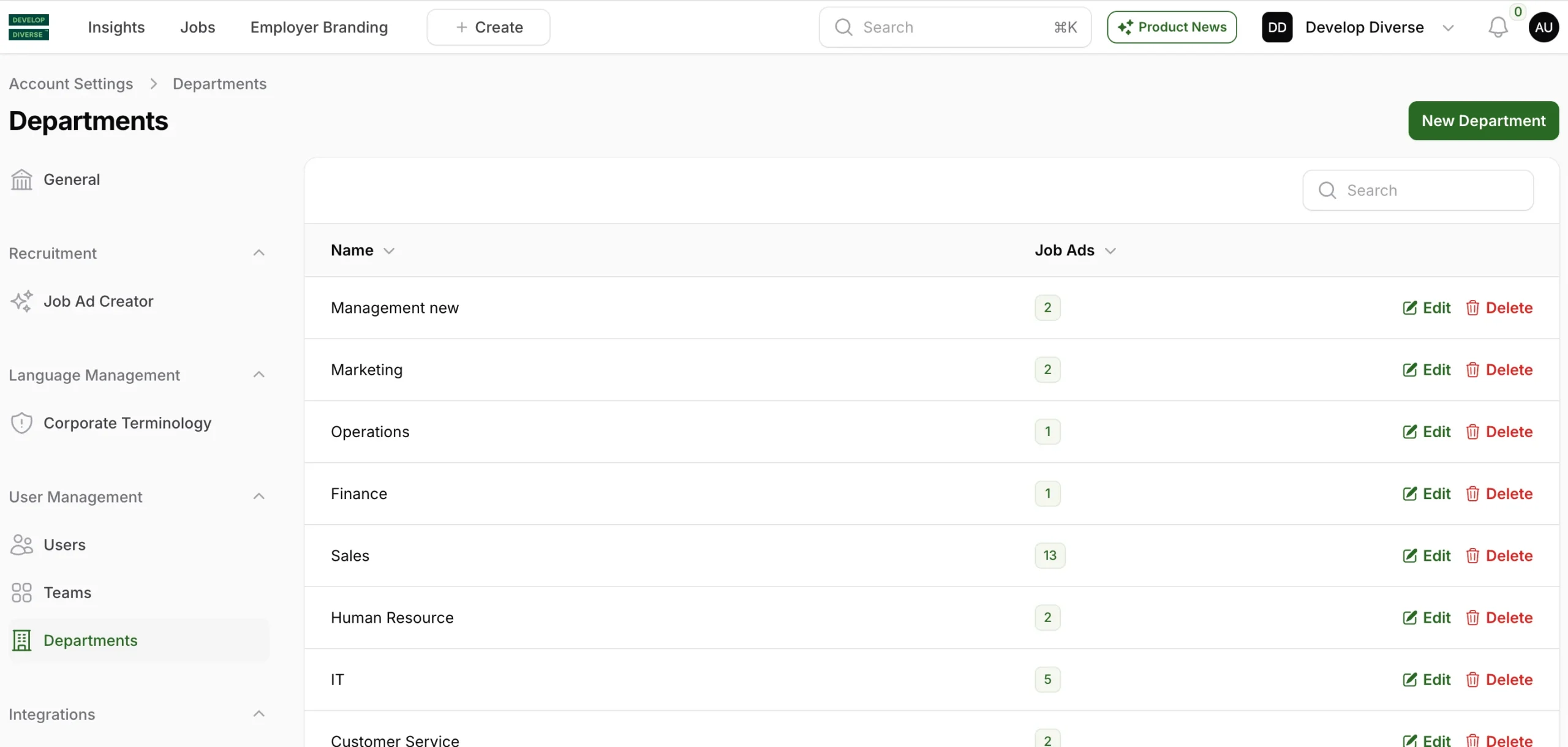
As an admin, you can manage your organization’s departments easily.
Just click on your profile picture, go to Account Settings, and select Departments from the menu on the left.
You’ll see a list of departments. From there, you can add new ones, edit existing ones, or remove any you no longer need.