
Invite your colleagues to Develop Diverse to work together on a text entry.
Once you’ve created a text entry, follow these simple steps to share it with others.
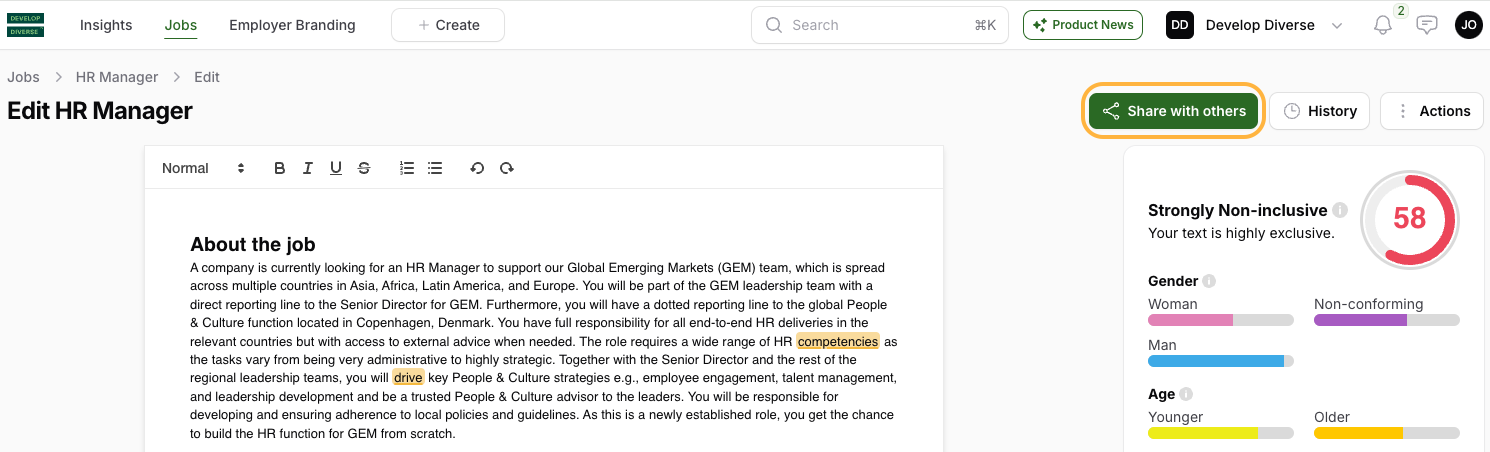
Click on the “Share with others” button at the top of the editor.
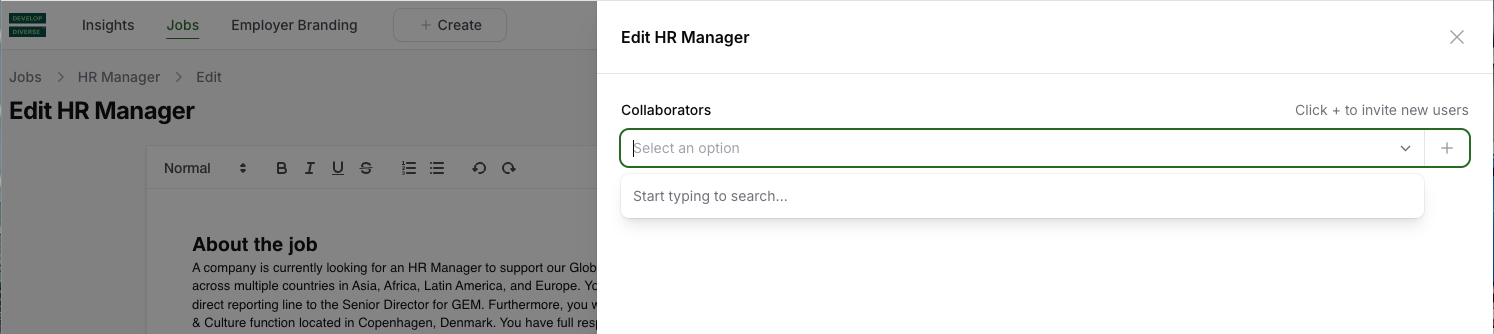
Collaborators are users with access to the text entry and editing rights. Add collaborators by searching for users in the field or adding a new colleague by entering their email address.
New collaborators receive email notifications and alerts upon being added.