
As an Admin, you can tailor the Corporate Terminology of your company effortlessly. Here’s a step-by-step guide to set your corporate phrases:
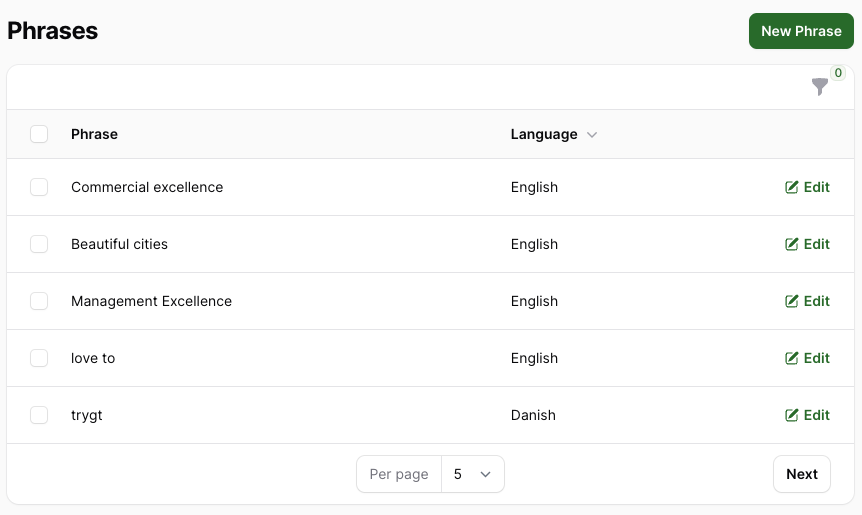
1. Access Corporate Terminology
Click on your avatar in the top-right corner, go to Account Settings, and look for Corporate Terminology under Language Management.
2. Create a New Phrase
Click on the “New Phrase” button located in the upper right corner.
3. Add Corporate Phrases
Write the corporate phrase and select the language. Save the phrase by clicking “Create” or choose “Create & create another” to add multiple phrases consecutively.
Effect of Adding Corporate Terminology
Any phrases added to the Corporate Terminology will be excluded from our analysis on biased language. In simpler terms, if biased language is detected but is part of your corporate terminology, it won’t be highlighted or counted in the inclusivity score.
To stay informed about the impact of biased corporate terminology, the admin dashboard displays the difference in inclusivity scores with and without considering the corporate terminology.