
Your dashboard experience is tailored to your role within the platform. Let’s explore your dashboard features as an Employee:
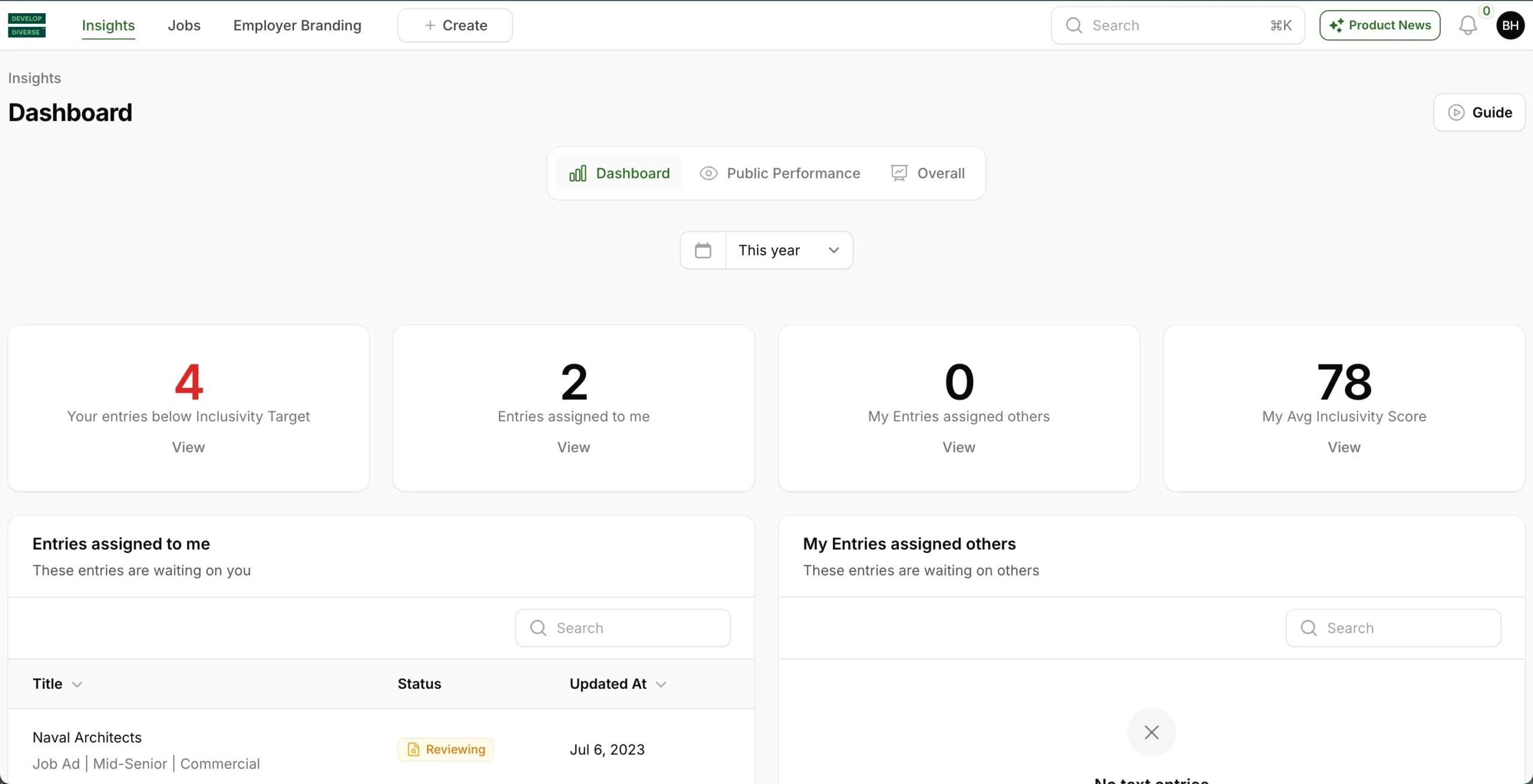
Your Entries Below Inclusivity Target
This section displays the number of entries created within a set time period that fall below your company’s inclusivity target. Click “view” to see the entries that don’t meet the target.
Entries Assigned to Me
View all entries assigned to you within the set time period that are in draft or under review. Click “view” to see a list of entries requiring your action.
Entries Assigned to Others
Review entries in draft or under review, which you authored but are currently assigned to someone else. Click “view” to see a list of entries requiring action from others.
My Entries Assigned to Others
Check a list of entries authored by you that require action from others as they are still in draft or reviewing. Click on an entry to open and review.