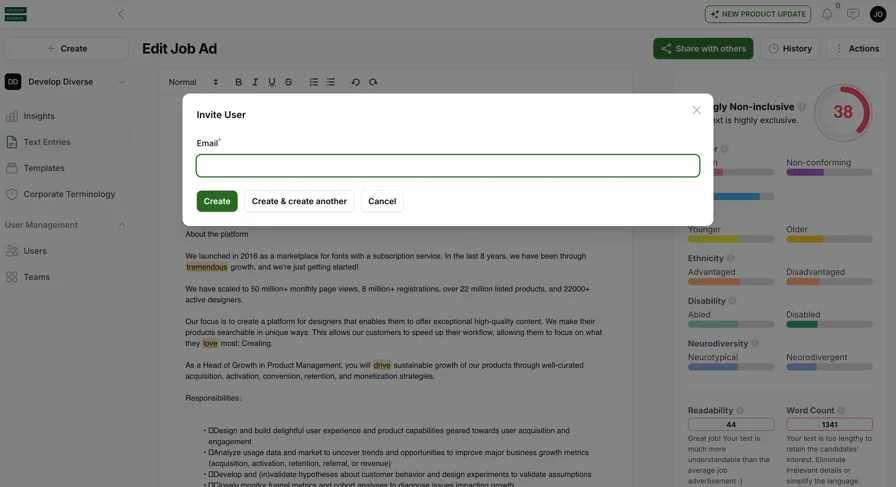
Once you’ve created a text entry, follow these simple steps to share it with others.
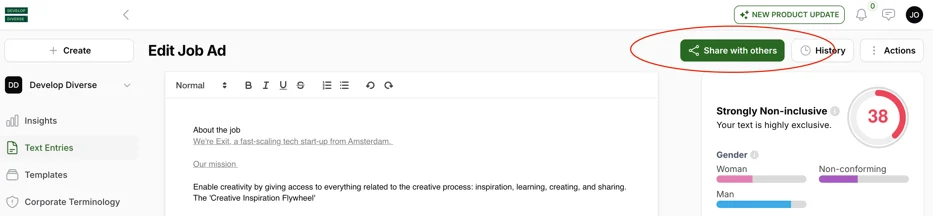
Click on the “Share with others” button at the top of the editor.
Clicking on it reveals a panel with two fields. Adding a person to one of these two fields will make you share your text entry.
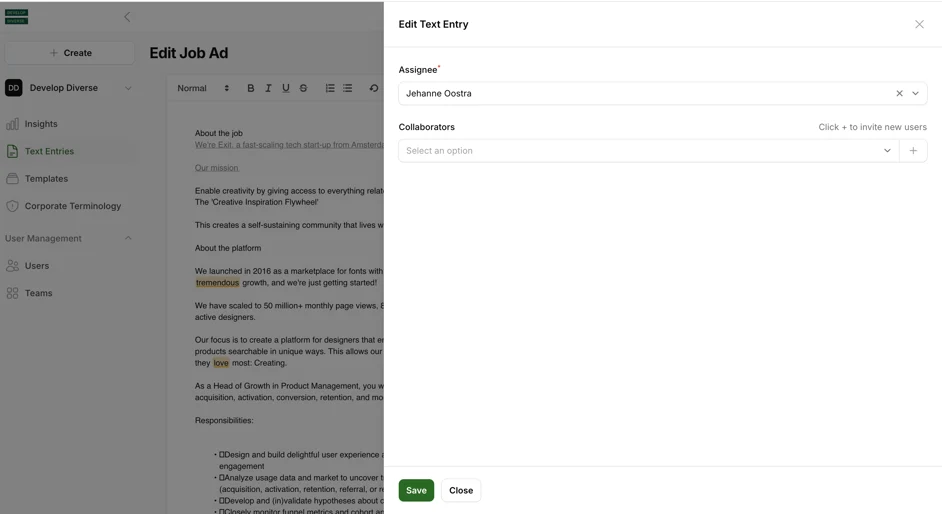
Assignee
An assignee is the person responsible for a specific task. For example, a hiring manager may be assigned to review a job ad. To assign someone, click the field, search for users in the platform, or add a new colleague by entering their email address.
Once assigned, the person receives notifications via email and in-app alerts.
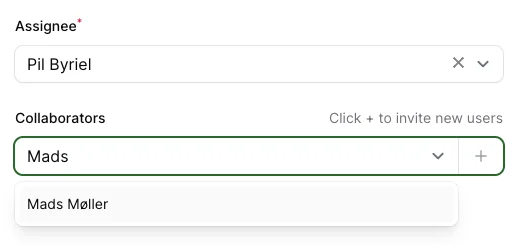
Note: A text entry must always be assigned, defaulting to the author.
Collaborators
Collaborators are users with access to the text entry and editing rights. Add collaborators by searching for users in the field or adding a new colleague by entering their email address. New collaborators receive email notifications and alerts upon being added.