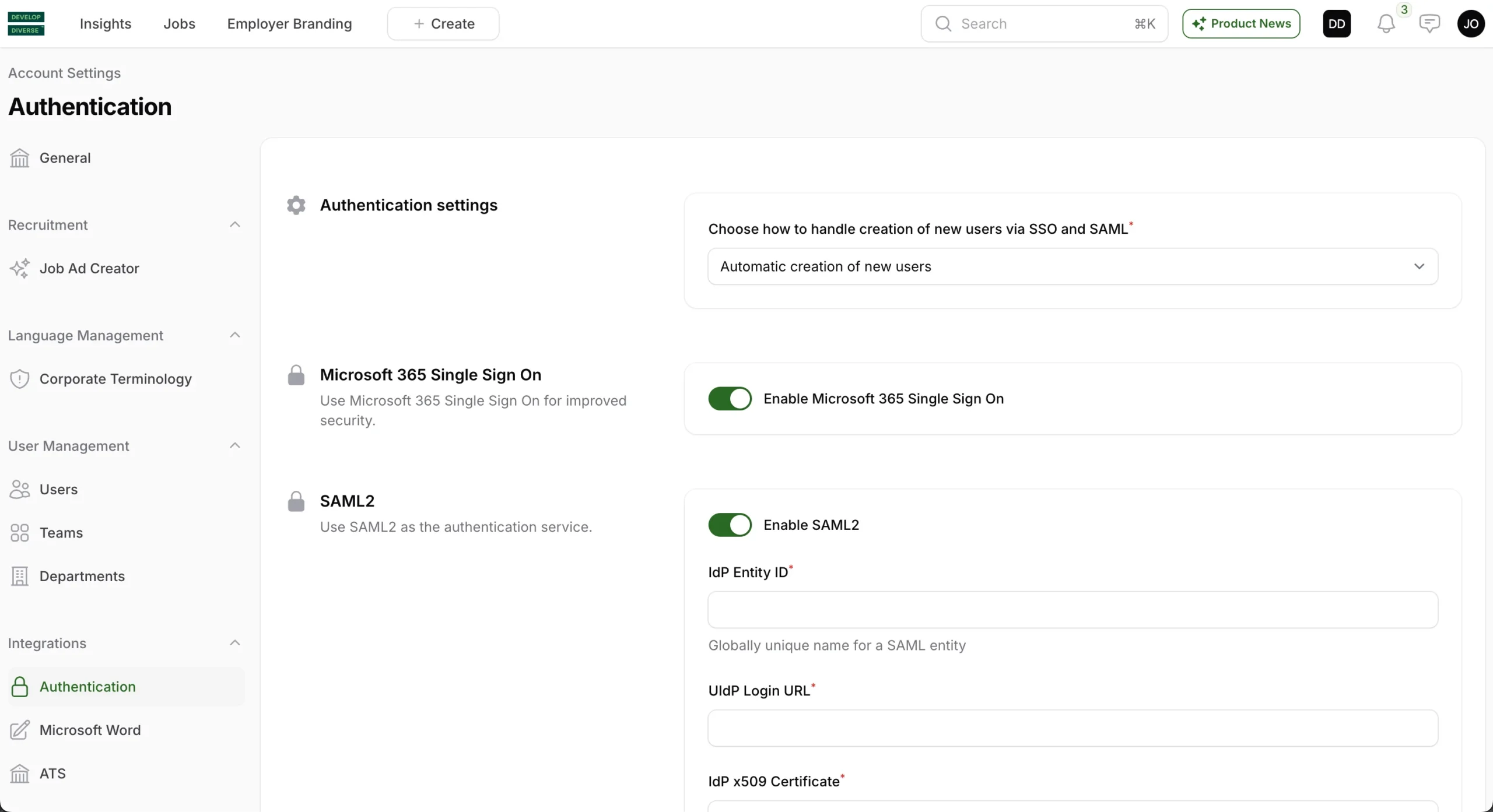
To access the Account Settings, click on your avatar in the right corner and then select Account Settings. Once there, click on Authentication in the left navigation under the header Integrations.
.Notice: SSO & SAML requires the Professional plan. Please contact support if the Authentication tab is not enabled in your Account Settings.
You have three options for handling the creation of new users via SSO and SAML:
1. Automatic Creation of New Users
- New users are automatically created and can access the platform without needing approval from an administrator.
2. Requires Admin Approval
- New users are automatically created, but they need approval from an admin to log in to the platform. Admins will receive an email notification about any new user creation and can approve the user in the User Management section.
3. Automatic Decline
- New users are automatically declined. However, admins can manually approve a new user in the User Management section if needed.